Setting Event Appearances
Event decorations allow creating global styling that applies to event types. These decorations impact how events appear across several Workstation widgets, including:
Event decorations are created in the Workstation Settings page, within the Data Ingestion tab.
To create event decorations:
- From the top of the Workstation homepage, click the Settings icon.
- In the left side drawer of the Settings page, click Data Ingestion. A list of event types appear.
- To the right of an event, click the More menu (⋮) and select Change Icon/Color/Title.
- Set any of the following properties for the event:
| Field | Description |
|---|---|
| Primary Title | Pick one or multiple fields from the event type to use as the event's primary title. Multiple fields will be concatenated. |
| Color | Visualize representations of the event type with a specific color. |
| Icon | Visualize representations of the event type with a specific icon or image. Icons appear in Link Analysis, in the Map widget, and on events attached to collections. |
- Click Save.
Event types that do not utilize event decorations default to a white/gray color, a generic icon, and the Core ID or event type name as the primary title.
Examples
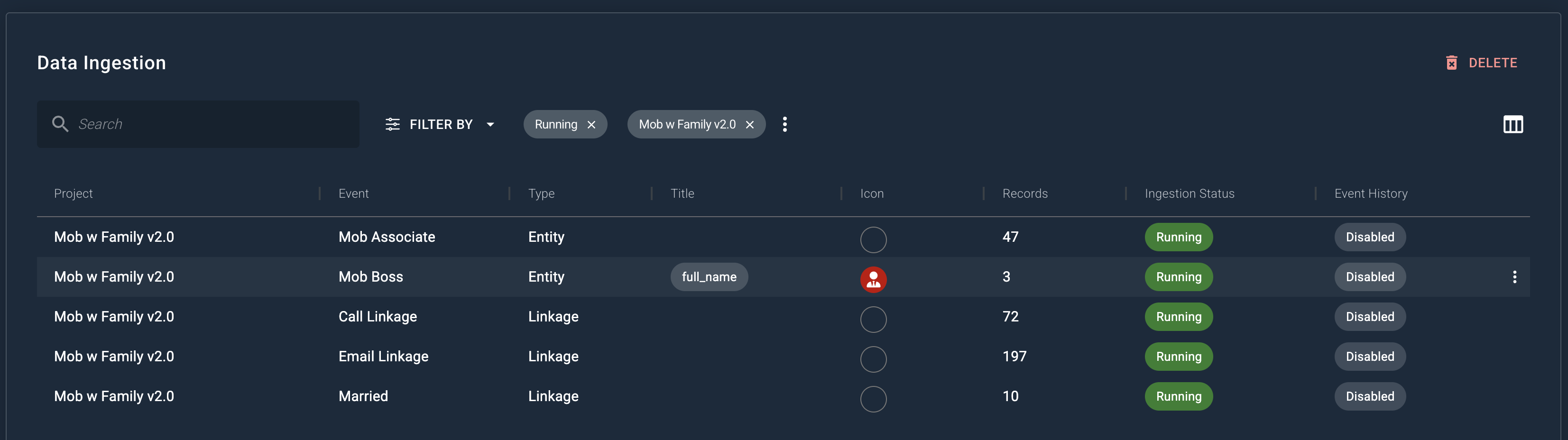
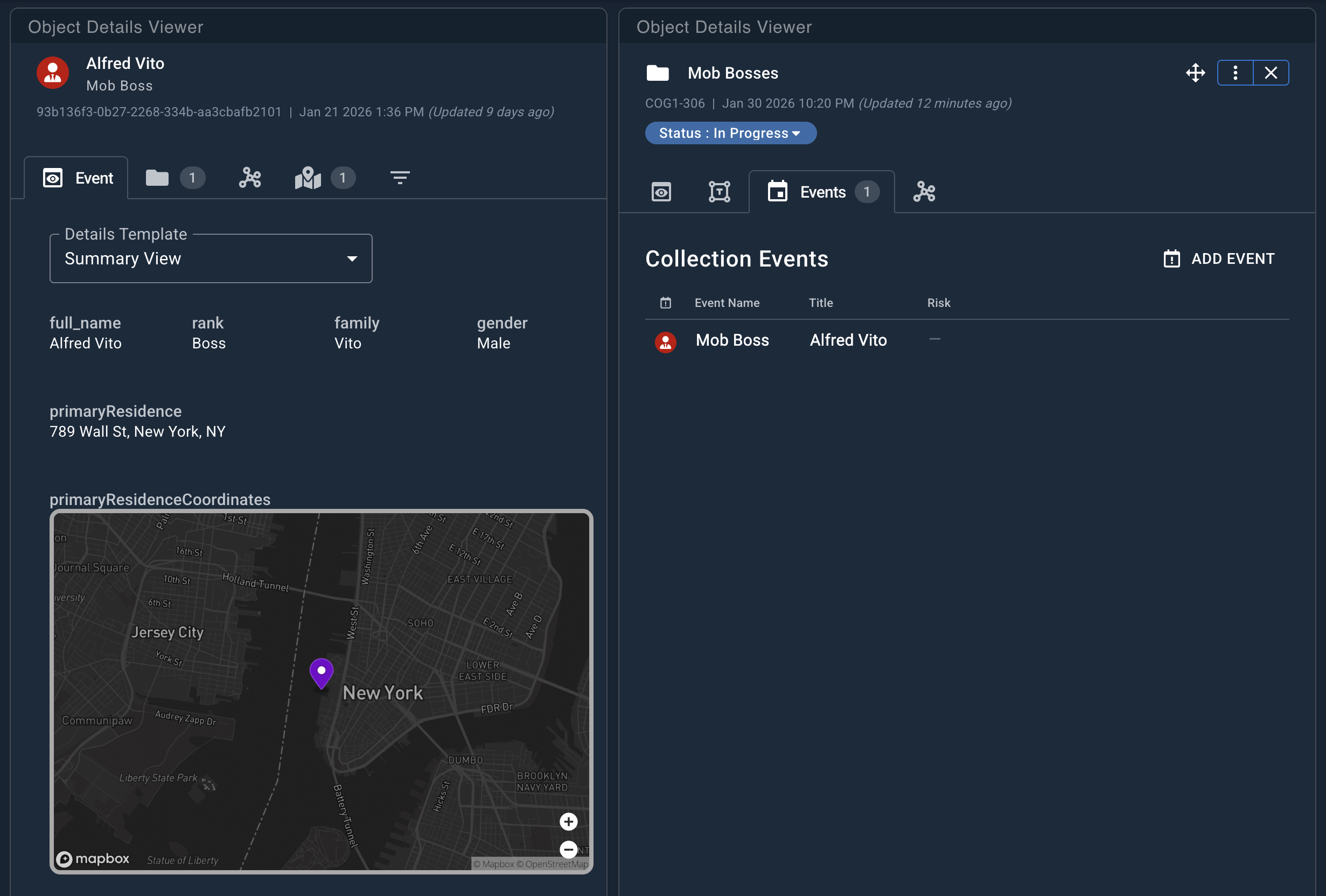
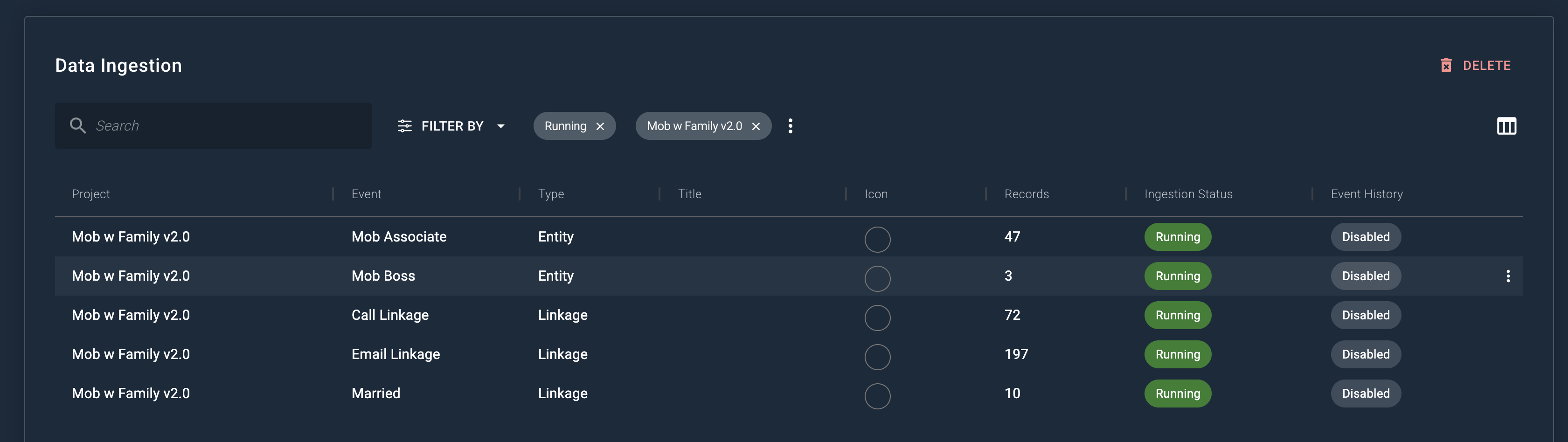
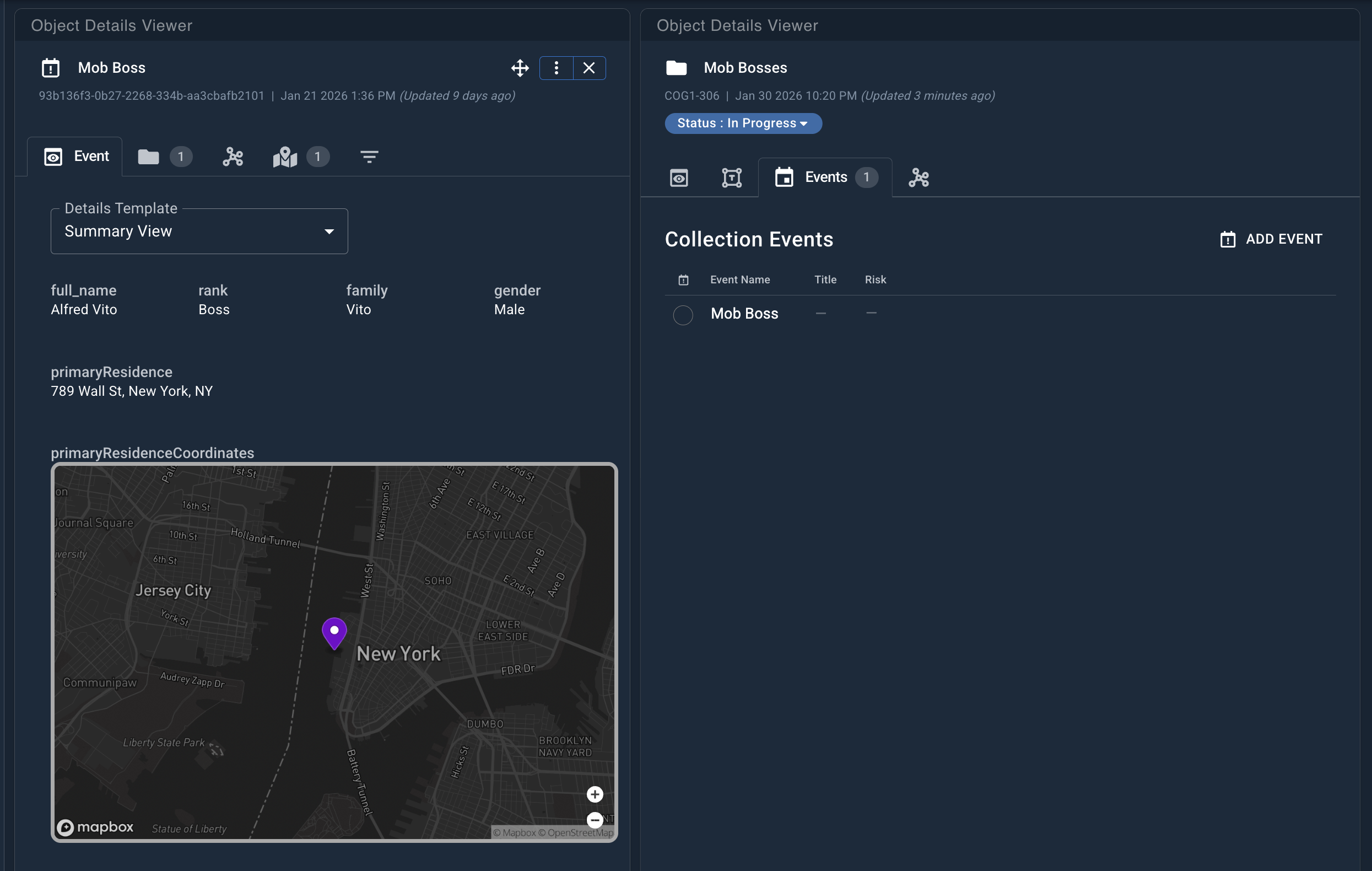
The following example shows what a Mob Boss event would look like in Workstation when no icon, title, and color are set for the event on Data Ingestion.
The following example shows what the same Mob Boss event would look like when an icon, title, and color are set.