Logging In
Logging in to Cogynt is automatically handled by verifying a user's identity with an identify provider, such as Google or SAML, when you attempt to access any Cogynt application.
For more information, refer to Authentication in the User Management User Guide.
Accessing Your Cogynt Environment
Every installation of Cogynt generally follows the following URL structure: https://[app]-[environment].[domain_name].[domain_suffix], where:
[app]is the specific app to load.[environment]is the cluster to access. Customers may have access to different clusters (such asdevelopment,staging,production).[domain name]is the customer's domain (for example,cogility).[domain suffix]is the customer's domain suffix (for instance,com,io,org).
Consider the following hypothetical scenario:
- You wish to load the Cogynt Home page
- The production cluster is named
prod. - The customer's domain is named
companyA. - The customer's domain suffix is
com.
Given this information, navigating to https://home-prod.companyA.com accesses the Cogynt Home application in the production environment.
Accessing Workstation from Cogynt Home
A link to Workstation (for authorized users) is accessible on the Cogynt Home UI for authorized users: https://home-[environment].[domain_name].[domain_suffix].
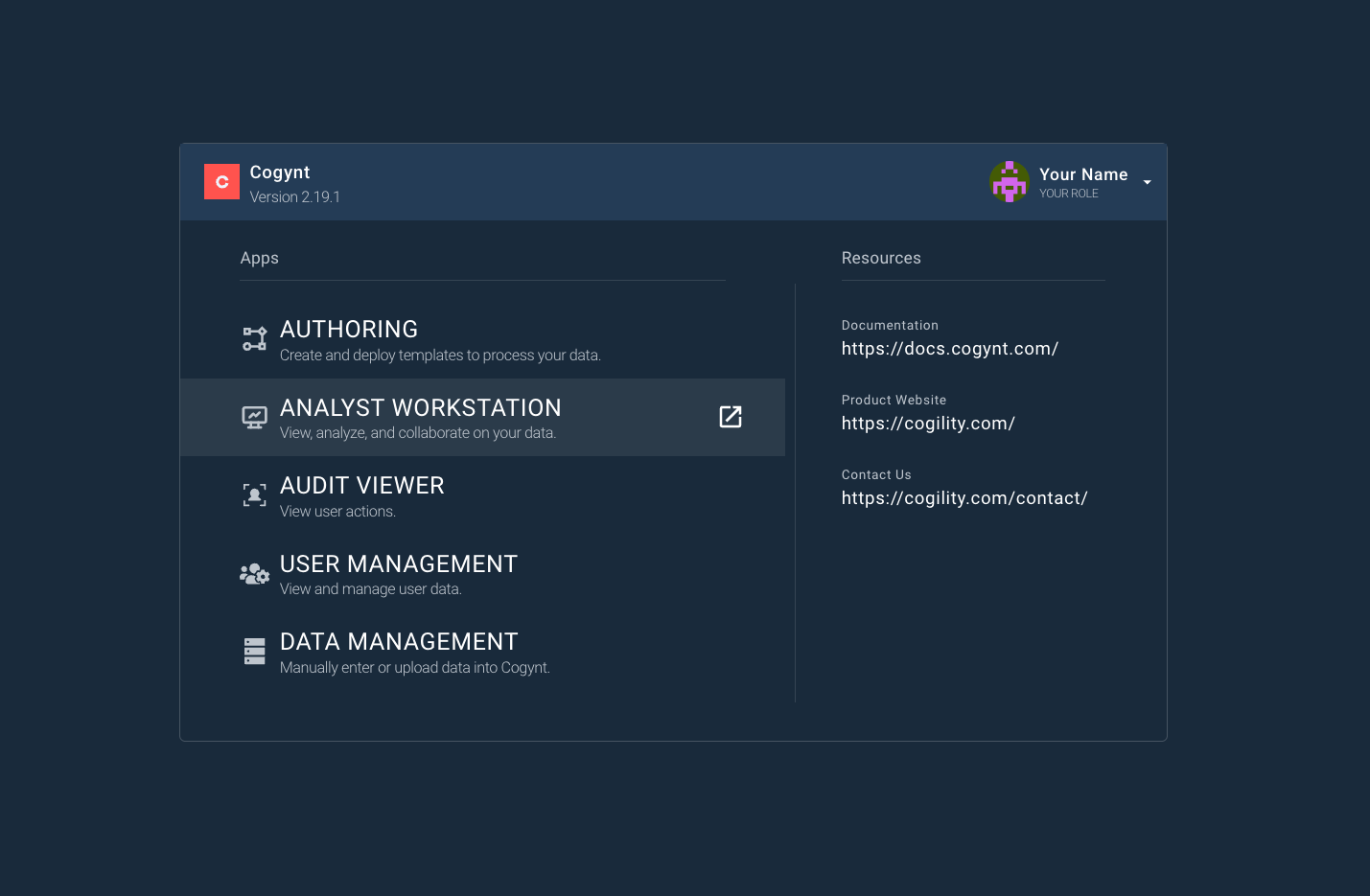
Some installations of Cogynt may have the Home UI hosted at https://home-ui-[environment].[domain_name].[domain_suffix].
Accessing Workstation from Direct URLs
Workstation can also be accessed by going to the following URL: https://caws-[environment].[domain_name].[domain_suffix].
Accessing Workstation from the App Switcher
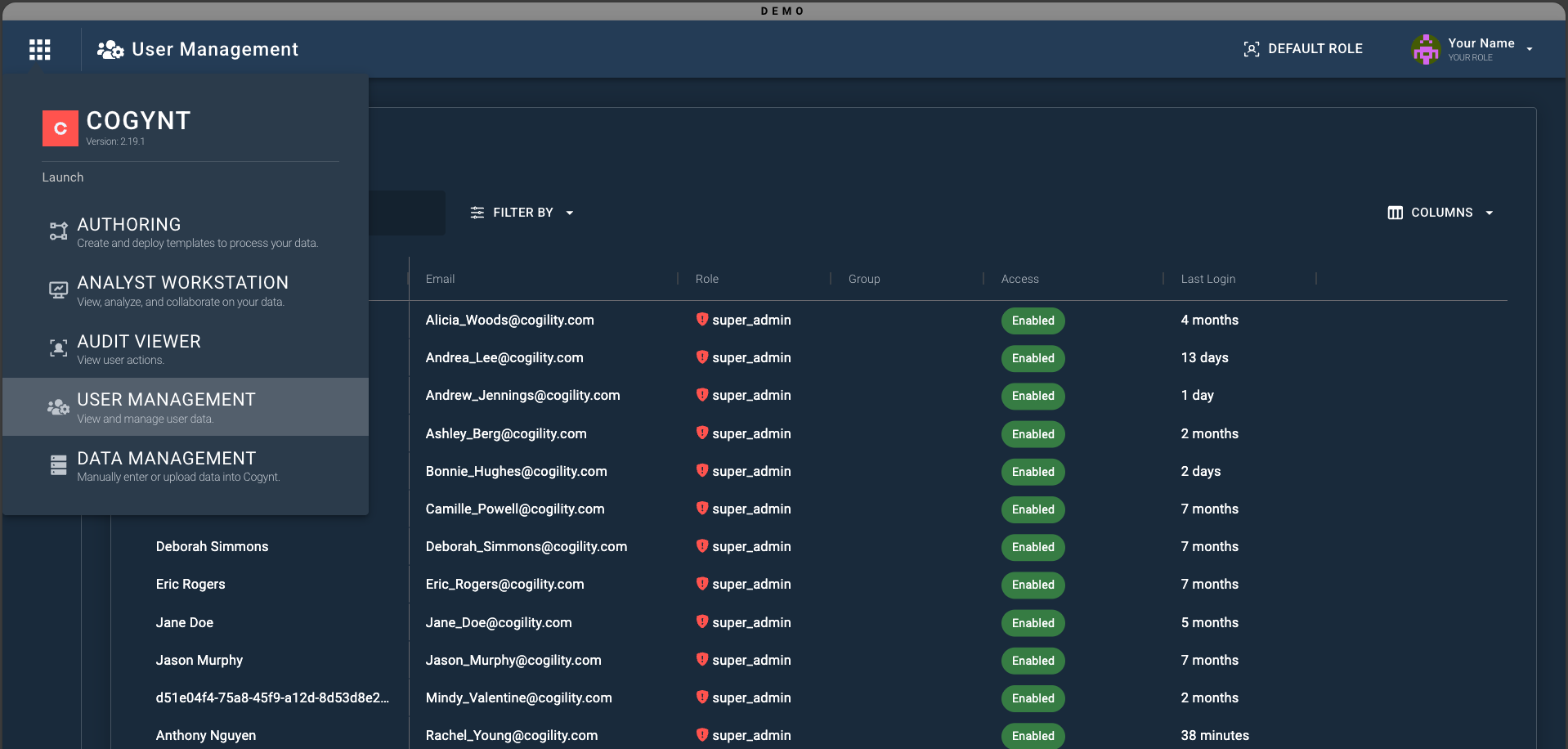
If you are already logged in to Cogynt through another application, the Application Switcher icon in the upper-left of the navigation bar can provide access to Workstation.