Event History
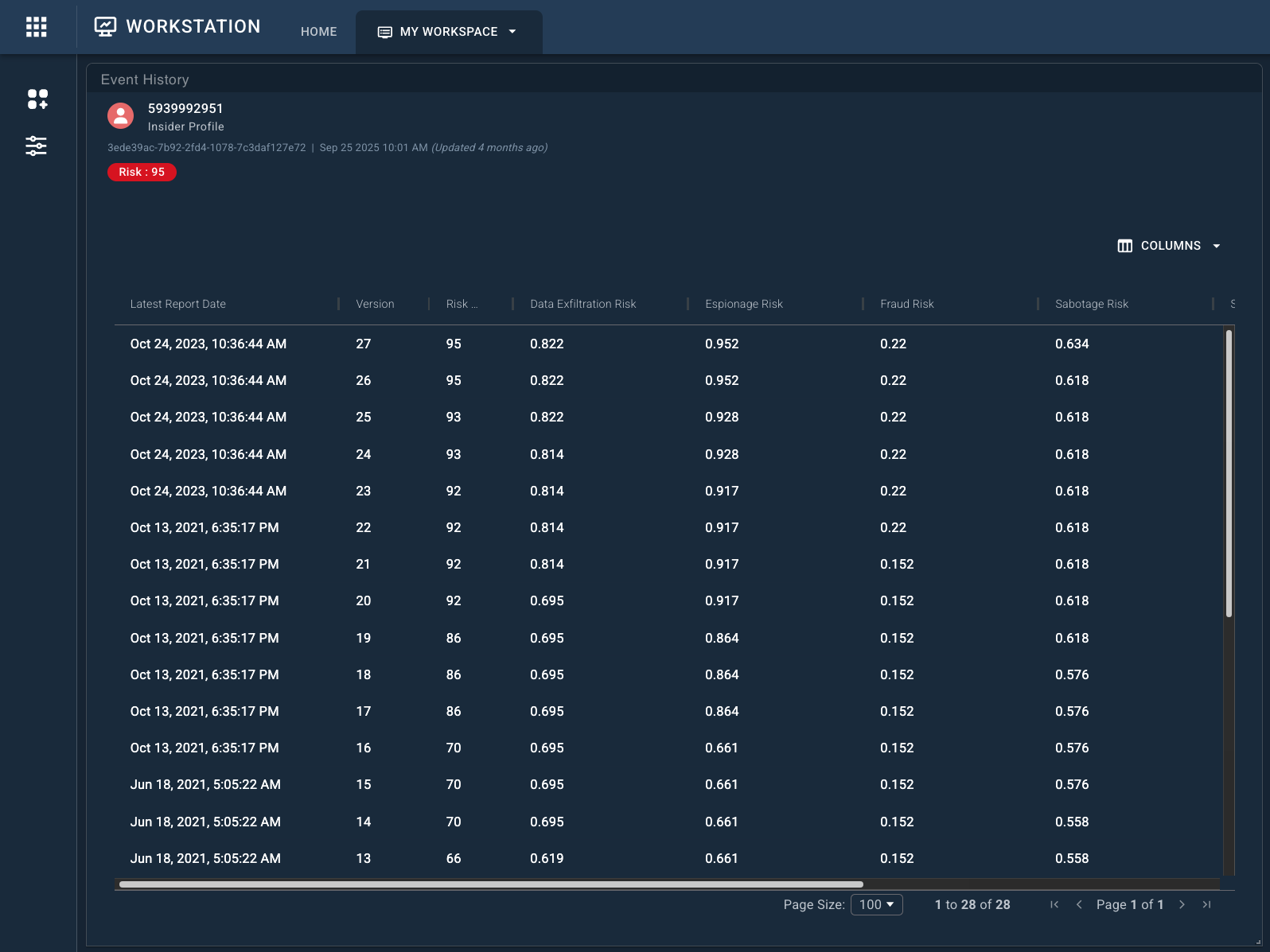
The Event History widget renders a table containing the historical versions of an event over time.
note
Event History is only available when a Stream Type of CRUD has been set in Authoring. History is generated only after changes occur to the underlying data.
Once available, Event History must be ingested separately through the Workstation Data Ingestion screen before it can be viewed in Workstation.
To review event history:
- Add the Event History widget to your workspace (if it is not already present).
- Locate the event you want to review, then drag and drop it onto the Event History widget.
- At the top of the widget:
- Click Newest to pull newly generated rows for the current event.
- Click More to display historical rows beyond the initial limit of 100.
- Click Show Columns to select columns to hide or show. Hidden (unchecked) columns do not persist when a workspace reloads.
- At the top right side of the widget, click Download to export and download the current table into
CSVformat.